
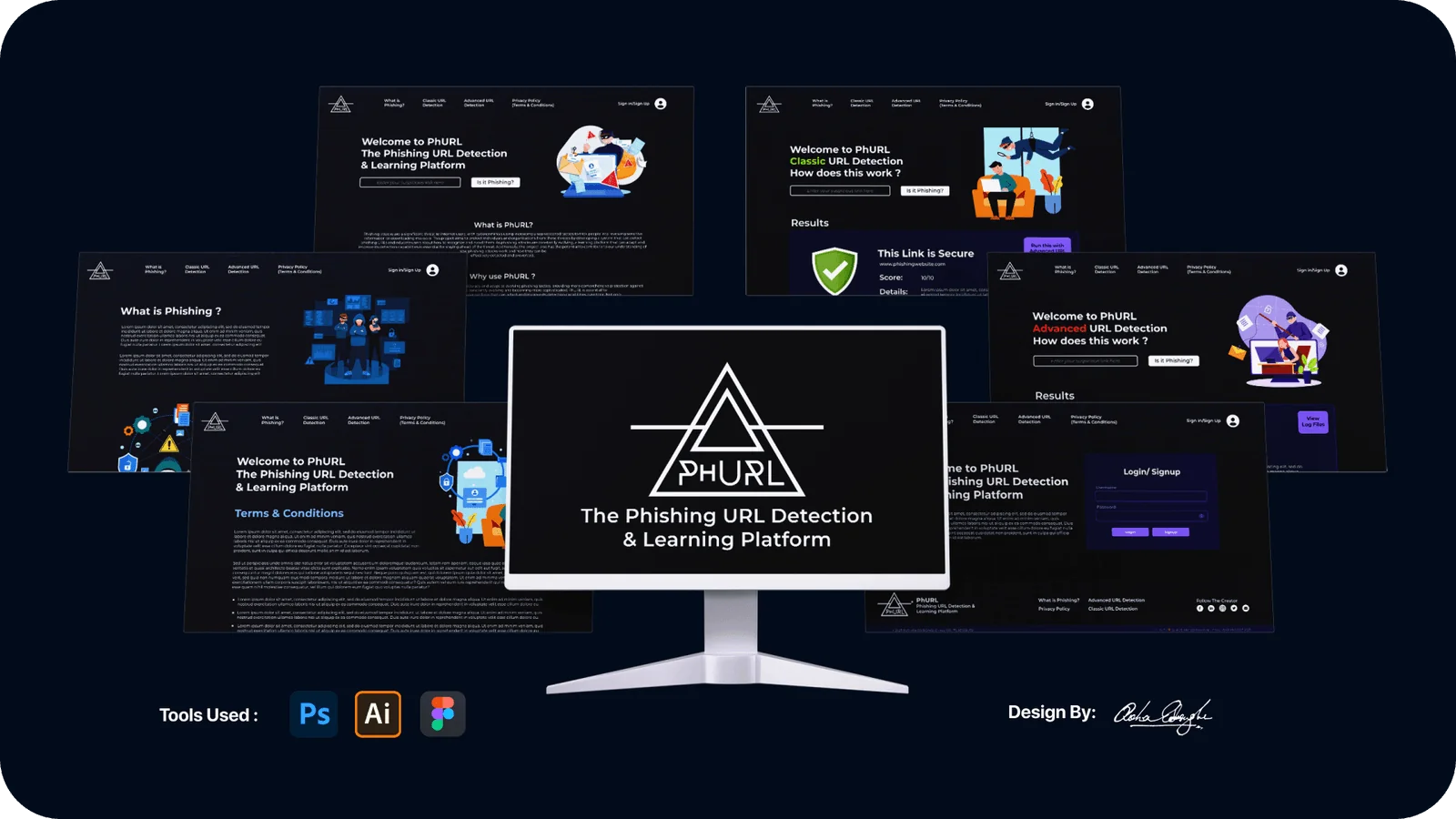
Project PhURL
A website that uses machine learning to spot phishing links, and also teaches you how to spot them yourself.
- Role
- Context
- Scope
- Design, development and ML
- Model
- Stack
- Platform
01Overview
Phishing attacks don’t break in. They trick their way in, one convincing link at a time. PhURL combines a trained machine learning model with a calm, educational interface. You paste a link, get an instant answer on whether it’s safe, and learn why it might be risky.
Most tools either block links quietly or show a confusing warning, and neither helps anyone understand what the danger actually is. PhURL takes the opposite approach. Its motto is that if it looks phishy, it probably is, and then it shows you how to tell.
Fast-moving threats
New malicious domains, fake login pages and shortened links appear faster than fixed rule lists can keep up with.
Verdicts without reasons
Existing checkers flag or block links without explaining why, so people never actually get better at recognising phishing.
Intimidating tools
Security tools tend to feel very technical. Everyday users need one box to type in and one answer in plain language.
Trust at scale
Organisations need a check they can rely on that doesn’t raise lots of false alarms, because people quickly stop trusting tools that get it wrong.
02Key Features
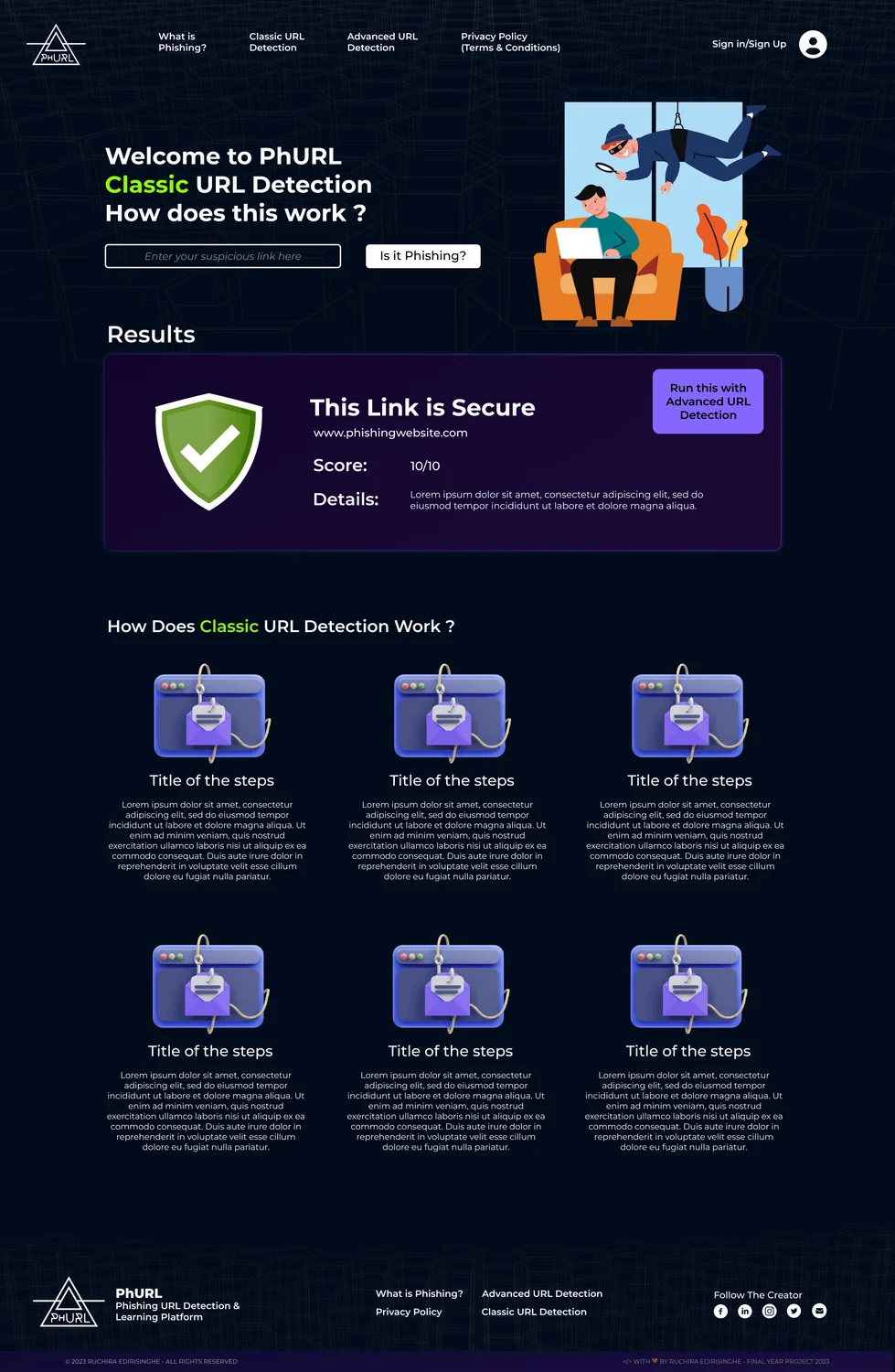
Classic URL detection
One box and one click. It runs a quick rule-based check and tells you clearly whether the link is safe or malicious.
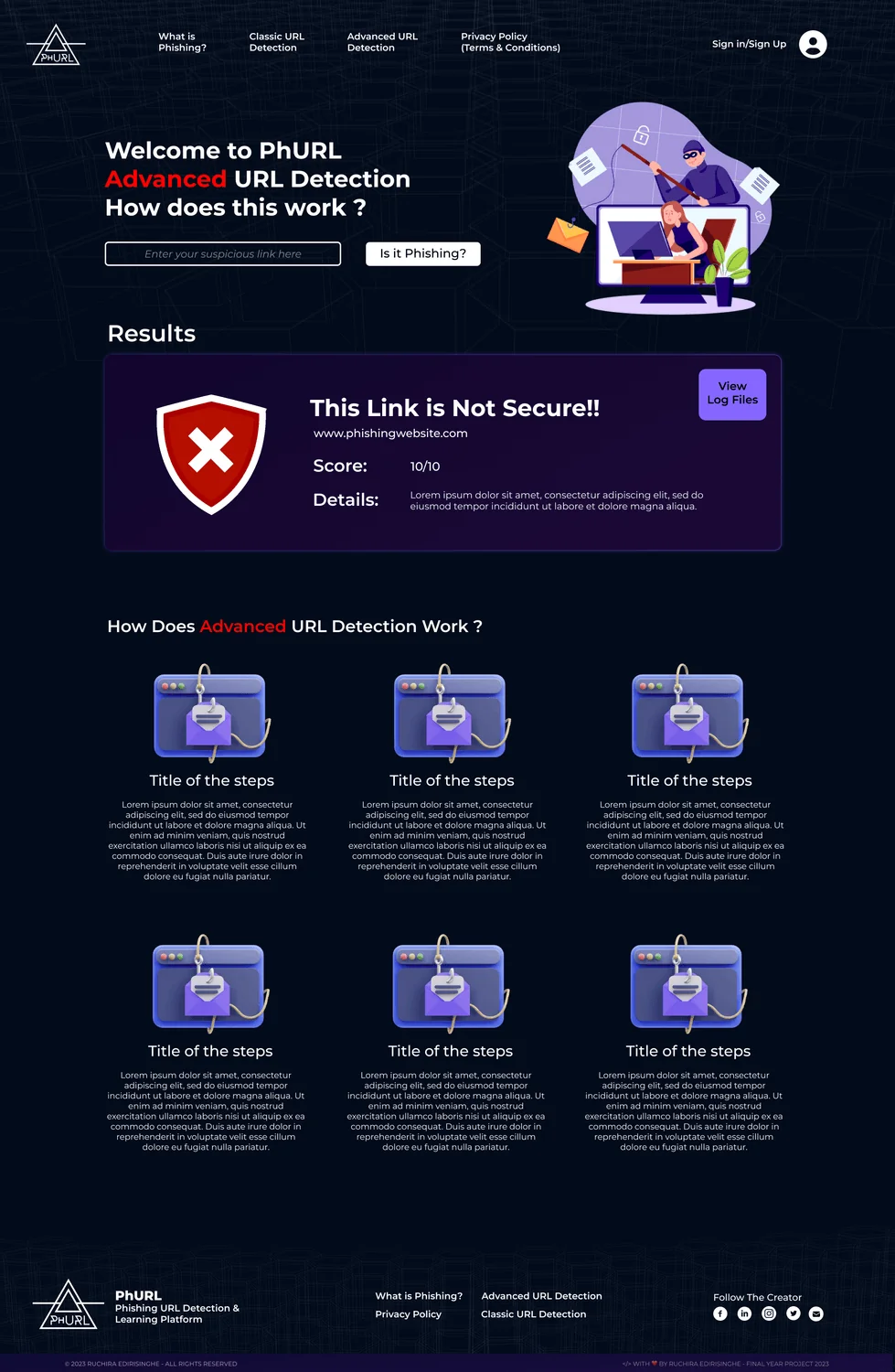
Advanced detection
This runs the full machine learning check. The link goes through the LightGBM model and comes back with a verdict and how confident the model is.
Learning hub
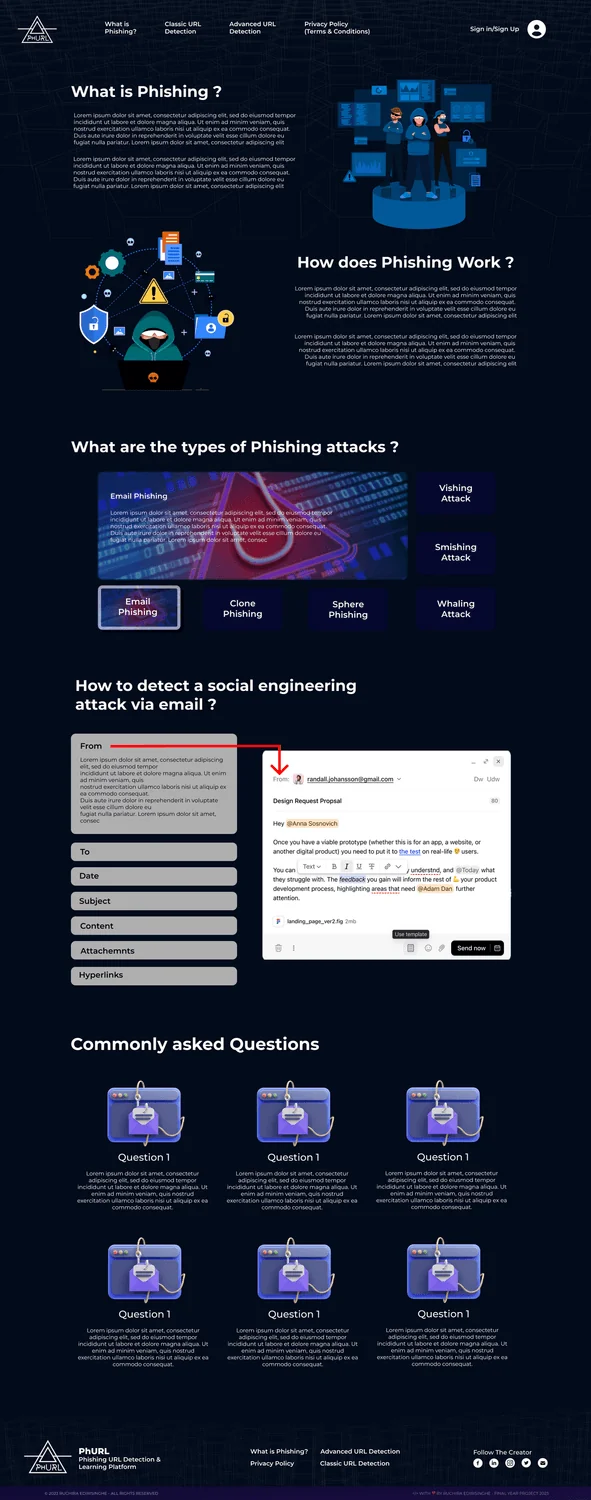
Articles explaining what phishing is, along with infographics and videos, so every scan doubles as a little lesson.
Accounts & profiles
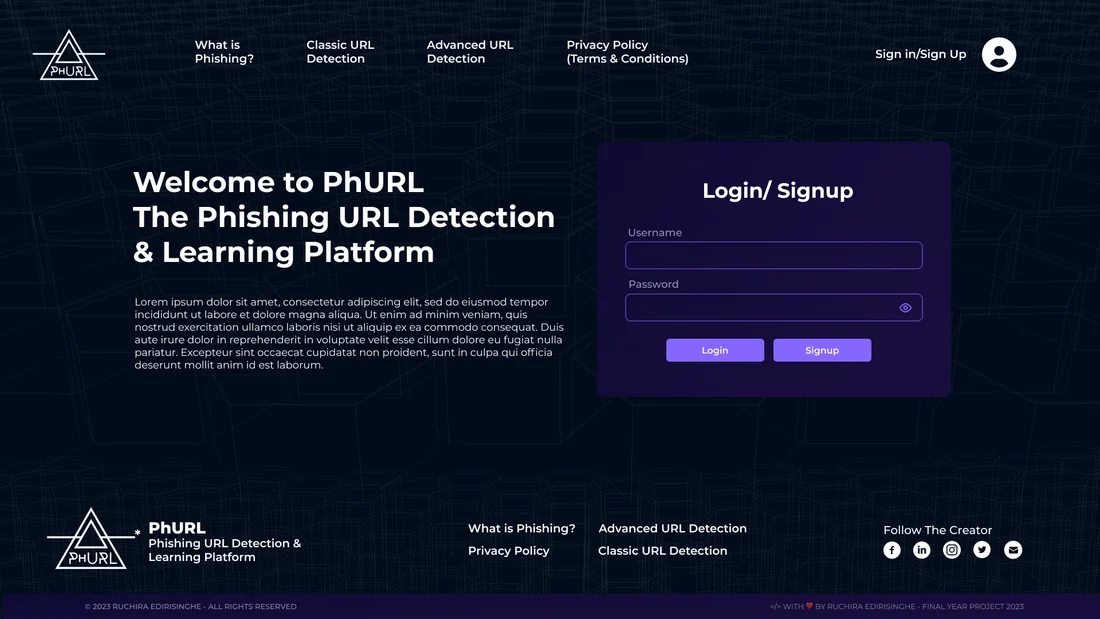
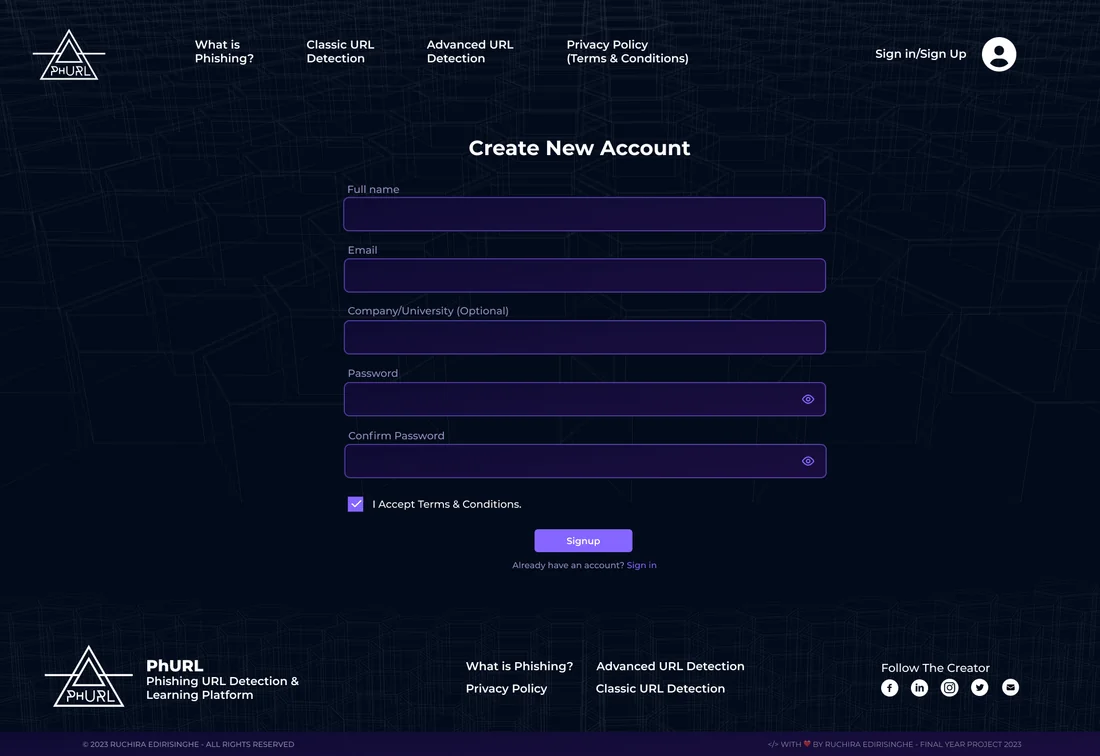
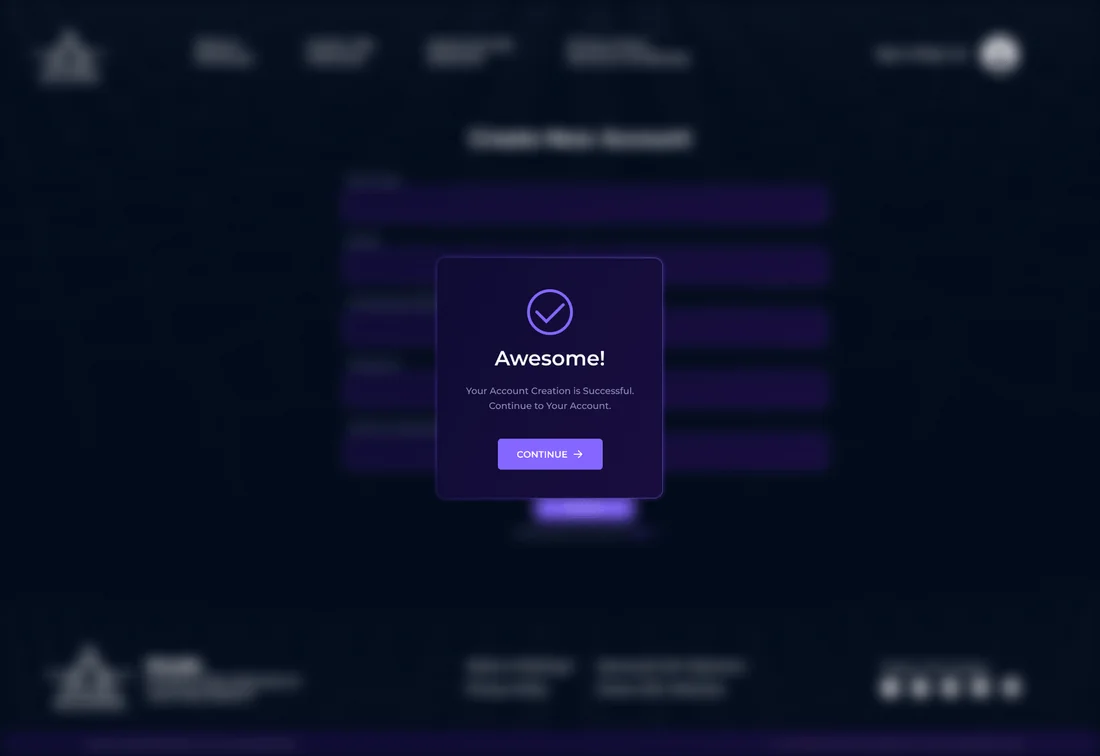
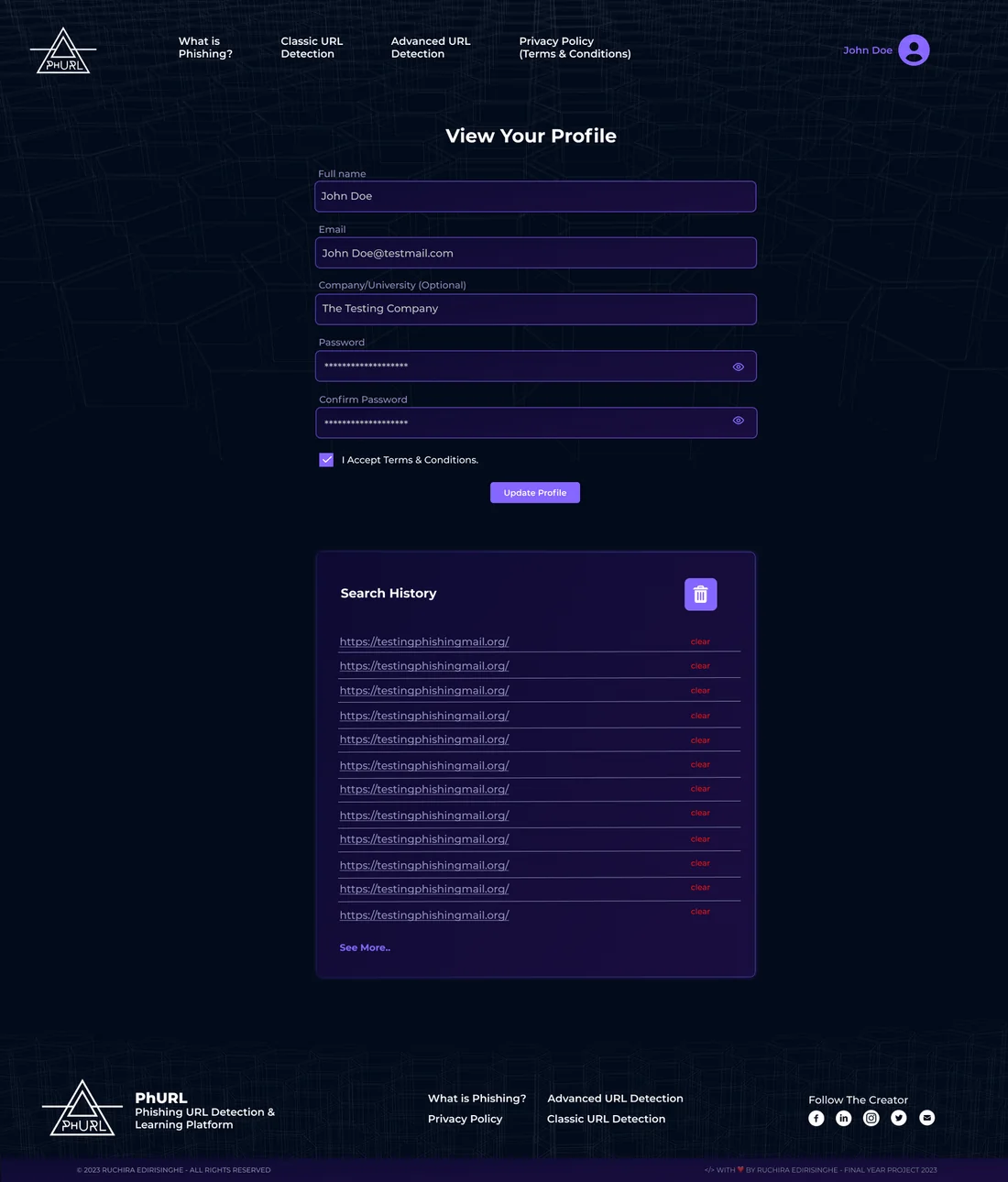
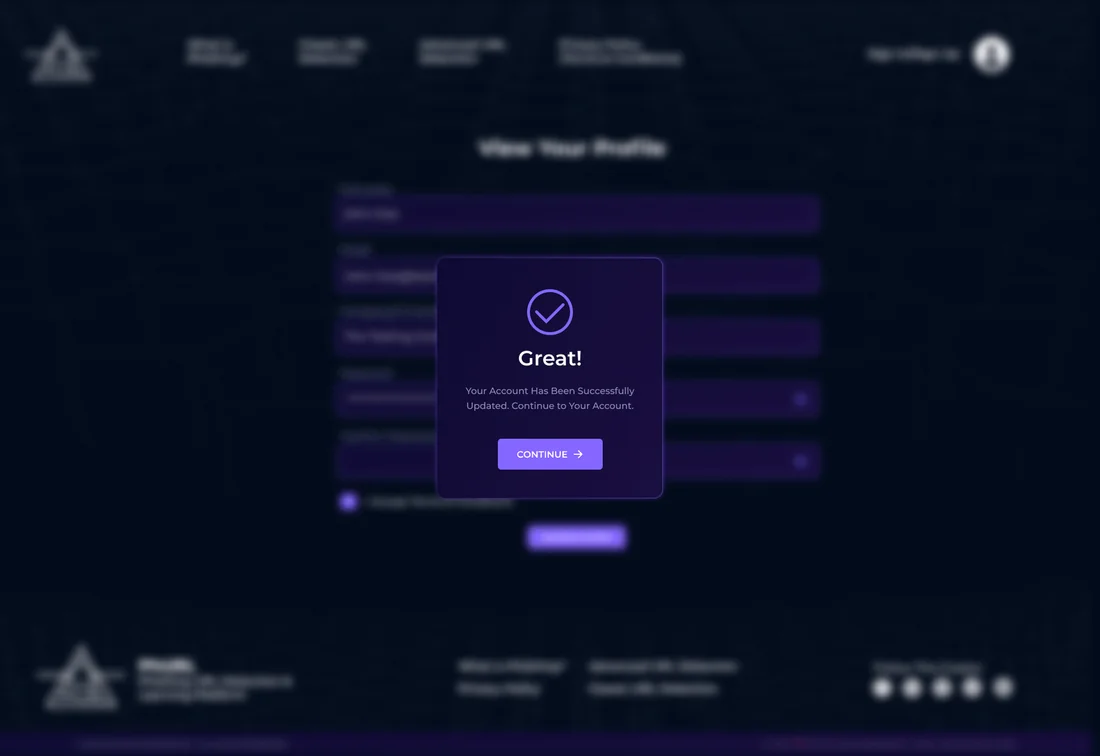
You can sign up, log in, and view or update your profile, with friendly messages when things work and when they don’t.
Scan history
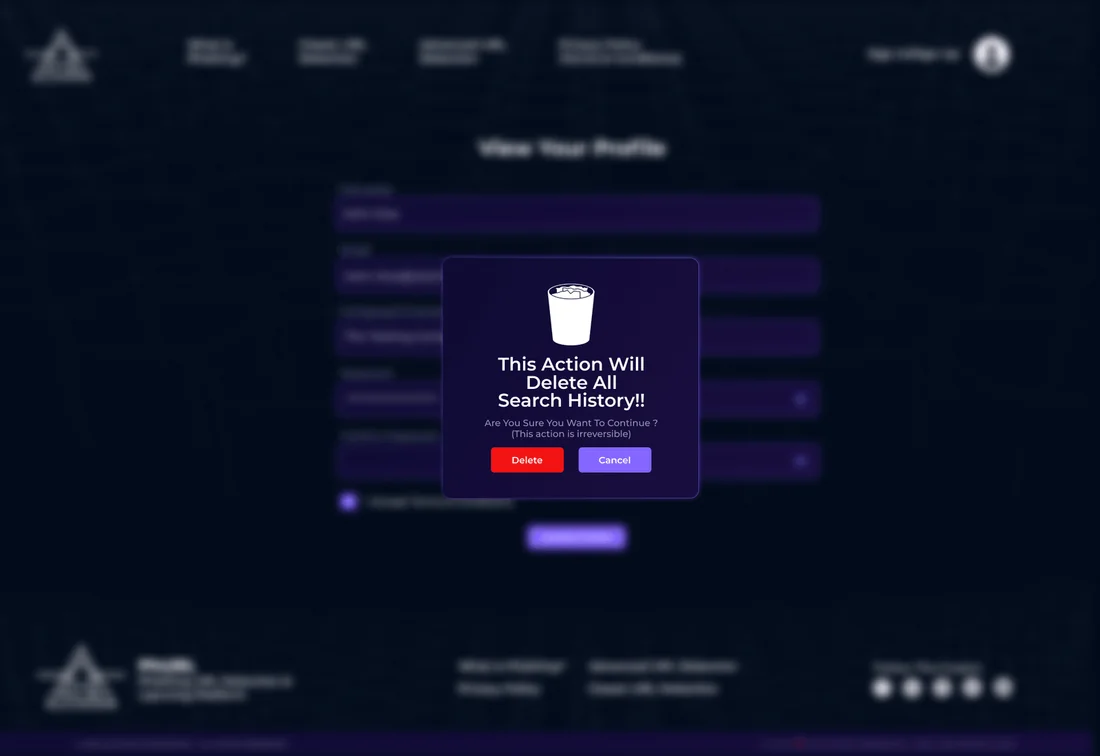
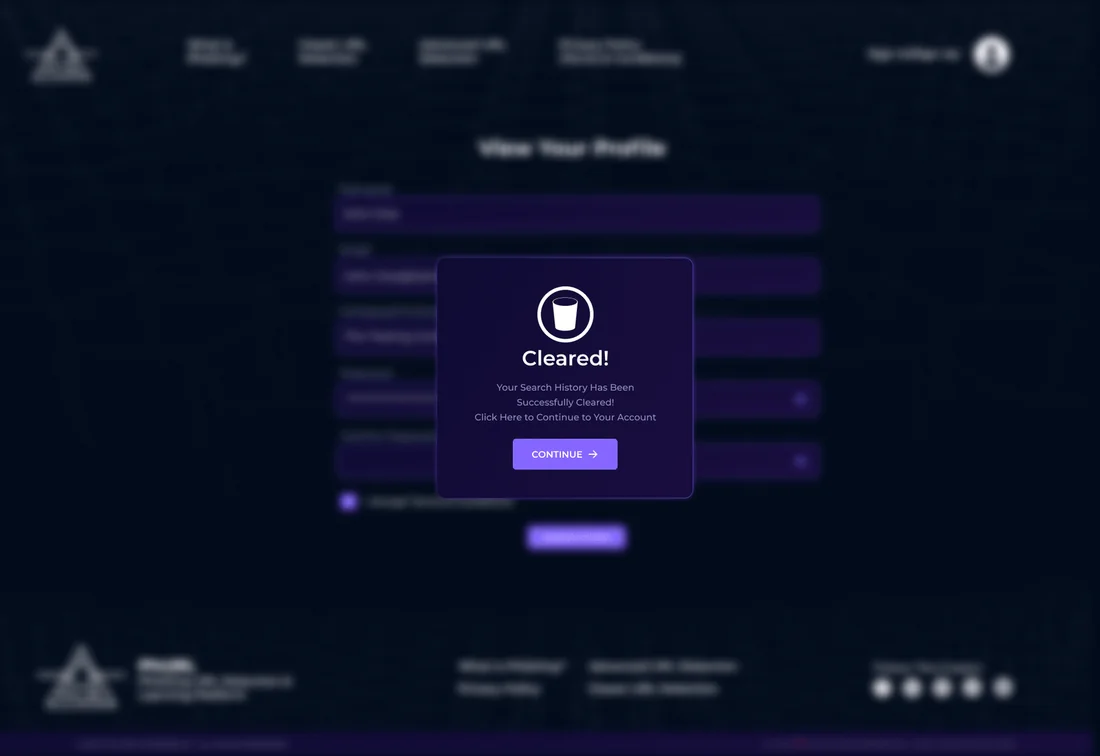
Your past checks are saved to your account, and you can delete your history after confirming that’s what you want.
Responsive & cross-browser
Tested on Chrome, Brave, Firefox and Opera Mini.
03Screenshots
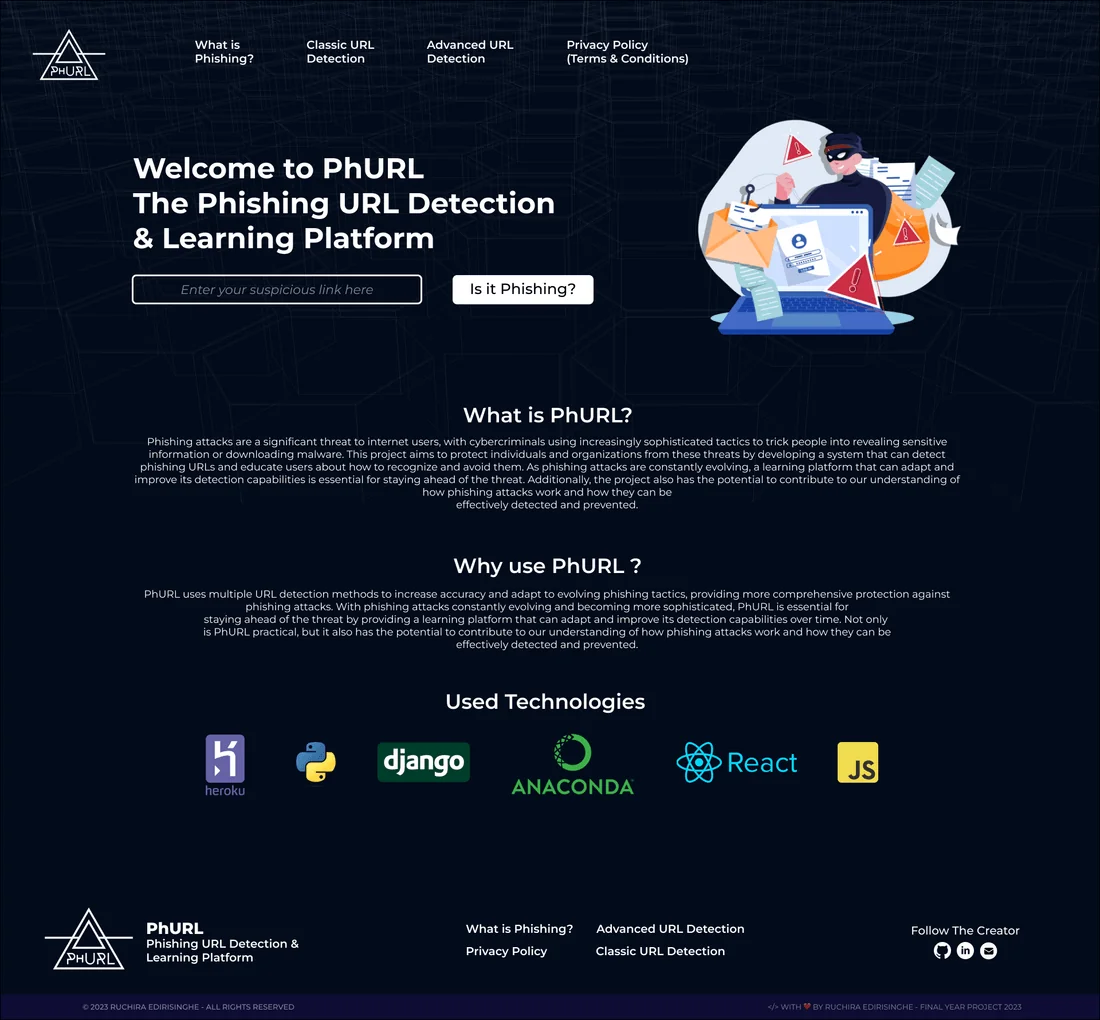
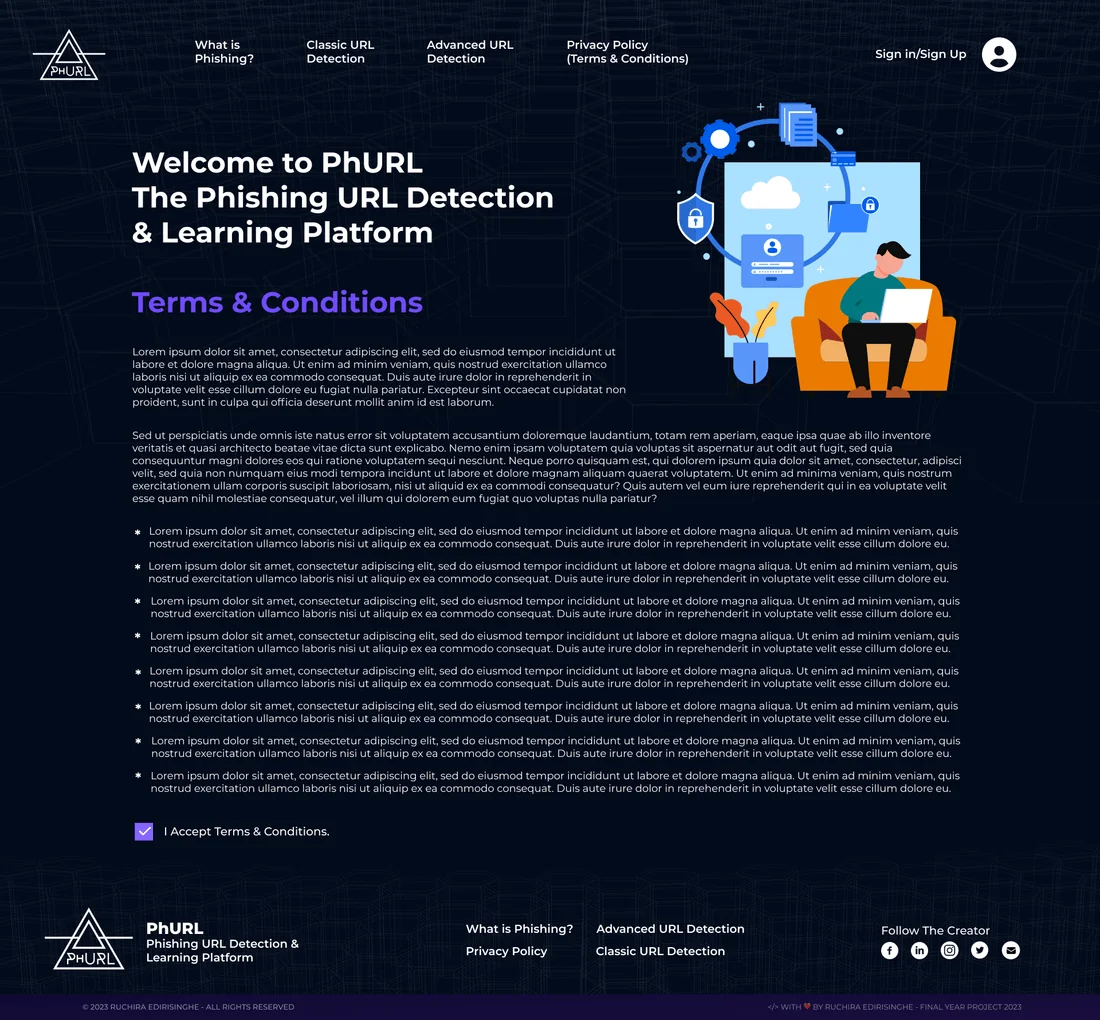
Screens taken from the real product. Tap any of them to see it full size.
04Architecture
A React front end talks to a Django back end, which makes the trained model available through an API. Every request goes through the same steps: the URL has its features extracted, those features are scaled, LightGBM classifies it and the result comes back as safe or phishing.
Frontend
Built with React and JavaScript, the front end has an interactive dashboard and a real-time checking tool that calls the API and shows the result straight away.
Backend
The back end is a Django REST Framework service. Its POST predict endpoint checks the URL with a serializer, tidies it up into a standard format and sends back the verdict along with its probability.
ML integration
The trained model is saved as a .joblib file and loaded when it’s needed. For every request, the URL’s features are extracted, scaled and then classified.
Feature extraction
The model looks at around twenty clues in the text of each URL. These include whether the host is an IP address, unusual hostnames, link shorteners, suspicious words, whether Google has indexed the page, the length of the URL and hostname, the top-level domain and the first folder, and counts of dots, www, @, //, %, ?, -, =, digits and letters.
Training data
The model was trained on a public Kaggle dataset by Manu Siddhartha, which includes phishing, malware, defacement and safe URLs. It needed a lot of cleaning up and feature engineering before it was usable.
Model selection
I tested LightGBM, Random Forest and XGBoost on the same data. LightGBM came out on top, with 96.6% accuracy and the best balance between false positives and false negatives.
Deployment
The project is packaged for Heroku with a Procfile, runtime and requirements file, so the Django app and the model are deployed and scaled together.
05Tech Stack
Frontend
Backend
Machine learning
Design & delivery
06Engineering Challenges
07Results & Learnings
- A reliable detector with few false alarms, inside an interface that testers liked for both its design and its learning resources.
- User acceptance testing with university students, plus checks across Chrome, Brave, Firefox and Opera Mini.
- Next up: warnings that appear while you’re browsing, more advanced detection and a mobile app.
What I learned
- A model is only useful if people trust and understand what it tells them. The interface is half of the security.
- Getting feedback from users all the way through was really important for making it easy to use.
- Mixing project methods gave me structure where I needed it and flexibility where I needed that instead.
- Being able to adapt matters most, because phishing tactics keep changing.